
 Join our Discord
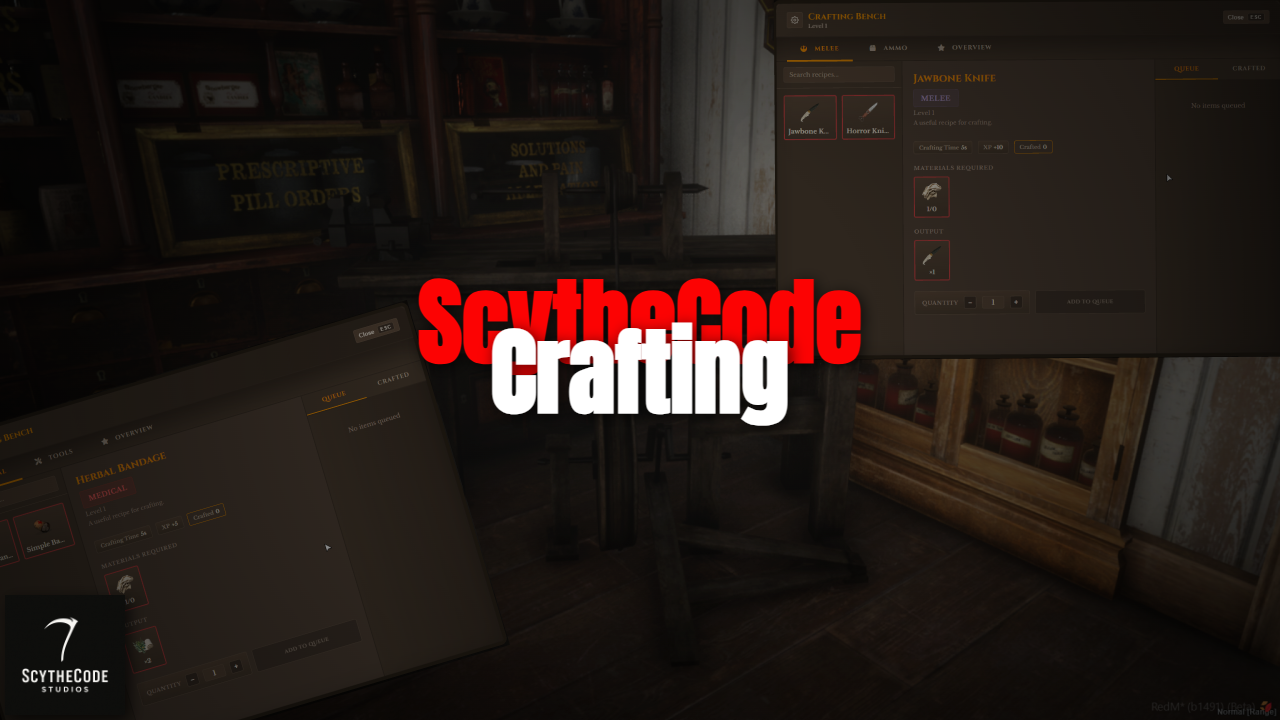
SCS Crafting — RedM Crafting with Leveling
Crafting for RedM that fits the world: place benches, level up per bench type, queue jobs, grant access to others, and handle destroy vs. multi-stage dismantle. Built for rsg-core including optional ox_target for interacting, and a bridge setup so you can plug in your own notify, progress bar, and framework.
Overview
SCS Crafting adds persistent crafting stations to your server. Players use placement items to put down a bench (weapons or general wares), then open it to see categories, recipes, and level requirements. XP and level are tracked per bench type: weapons and general wares each have their own progression. Crafting runs on the server with configurable timers; players can queue multiple recipes and collect finished items at the bench. Owners can destroy their bench or grant access to others. Players without access can dismantle it over several stages, with a cooldown between stages and a total timeout so progress doesn’t hang forever.
Features
Bench types and placement
- Two bench types (configurable): weapons (guns, melee, ammo, explosives) and general wares (e.g. medical, tools). Each has its own prop, placement item, and category list.
- Placement flow: Use the placement item, aim with the camera, adjust height (scroll) and rotation (shift+scroll), then confirm. Optional build sequence before the bench is saved: intro progress bar → mid progress bar → ox_lib skill-check minigame (one attempt; fail = cancel placement) → end progress bar. All durations and animations are set in config
- Persistence: Stations are stored in the database (oxmysql) and respawn on resource start; ownership and access list are saved.
Leveling and recipes
- Per-bench XP: and level: Weapons bench and general wares bench each have their own level and XP. Unlock categories and recipes by reaching the required level.
- Recipes: Each recipe has inputs (with optional alternative items), outputs, required level, XP reward, and craft time. You define everything in config.lua; categories and icons are configurable.
- Crafting: Server-authoritative. One active craft at a time per bench; when it finishes, the next in queue starts. Players collect completed items from the bench UI.
Queue and alternatives
- Craft queue: Add multiple recipes to the queue; they run one after another. Queue is persisted so if a player leaves and comes back, they can still collect or cancel.
- Alternative materials: Recipes can list alternative input items (e.g. several wood types for one recipe). The UI lets the player choose which variant they have.
Access, destroy, and dismantle
- Access: Owners can open a settings panel at the bench and grant access to other players (by identifier or player name). Only those who are owner can see “Destroy Bench” if they have been given access the will only see “Open” in an attempt to stop griefing.
- Dismantle: For players who are not owner and don’t have access. Optional (can be turned off in config). Multi-stage: each stage is one progress bar (e.g. “Dismantling 1/4”). When a stage ends, the player can leave; after your configured time (in seconds) they must return and interact again to run the next stage. If they don’t finish all stages within the total timeout (in minutes), the dismantle state resets and they see “Dismantle timed out.” Optional: require that at least one owner or access-holder is online before dismantle is allowed.
Summary
SCS Crafting gives you placeable, persistent benches with per-type leveling, queues, alternative materials, and a clear split between owner (destroy), access (use only), and non-access (dismantle over time). It’s built for rsg-core , with optional ox_target and a bridge layout so you can adapt it to your stack. Full config and locales included so you can tune text, timings, and recipes for your server.